🐉 Dungeons and Dragons Hero Party Adventure 2K QHD (2560x1440) Wallpaper
❤ Share this wallpaper:
WhatsApp Facebook Twitter / X Pinterest LinkedIn Copy Link for Instagram Telegram Reddit Email

💡 Below is relevant information on how to install wallpapers on different devices 👇
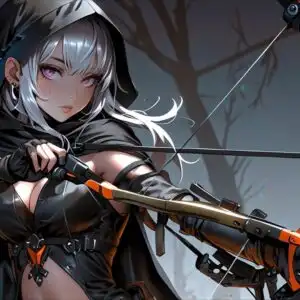
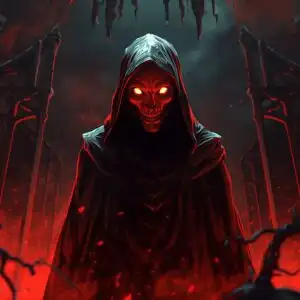
This 4K wallpaper is the best choice for testing your OLED professional display resolution. Compared to others, our high-performance tool provides a premium look for any high-end smartphone or desktop setup.
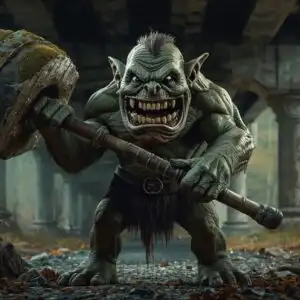
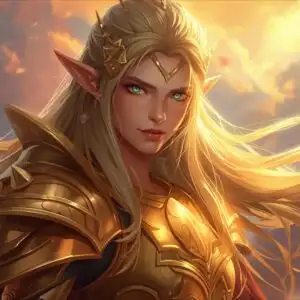
"Personalize this wallpaper or upload your own image to create the perfect mobile background 👇"
Customize Dungeons and Dragons Hero Party Adventure for Mobile Wallpapers
iPhone • Samsung • Xiaomi • Google Pixel • Android • Huawei • (Others)
720×1600 • 1080×1920 • 1080×2340 • 1080×2400 • 1284×2778 • 1440×3088Please use Portrait Mode for a better experience (Optional)
Overview – Dungeons and Dragons Hero Party Adventure
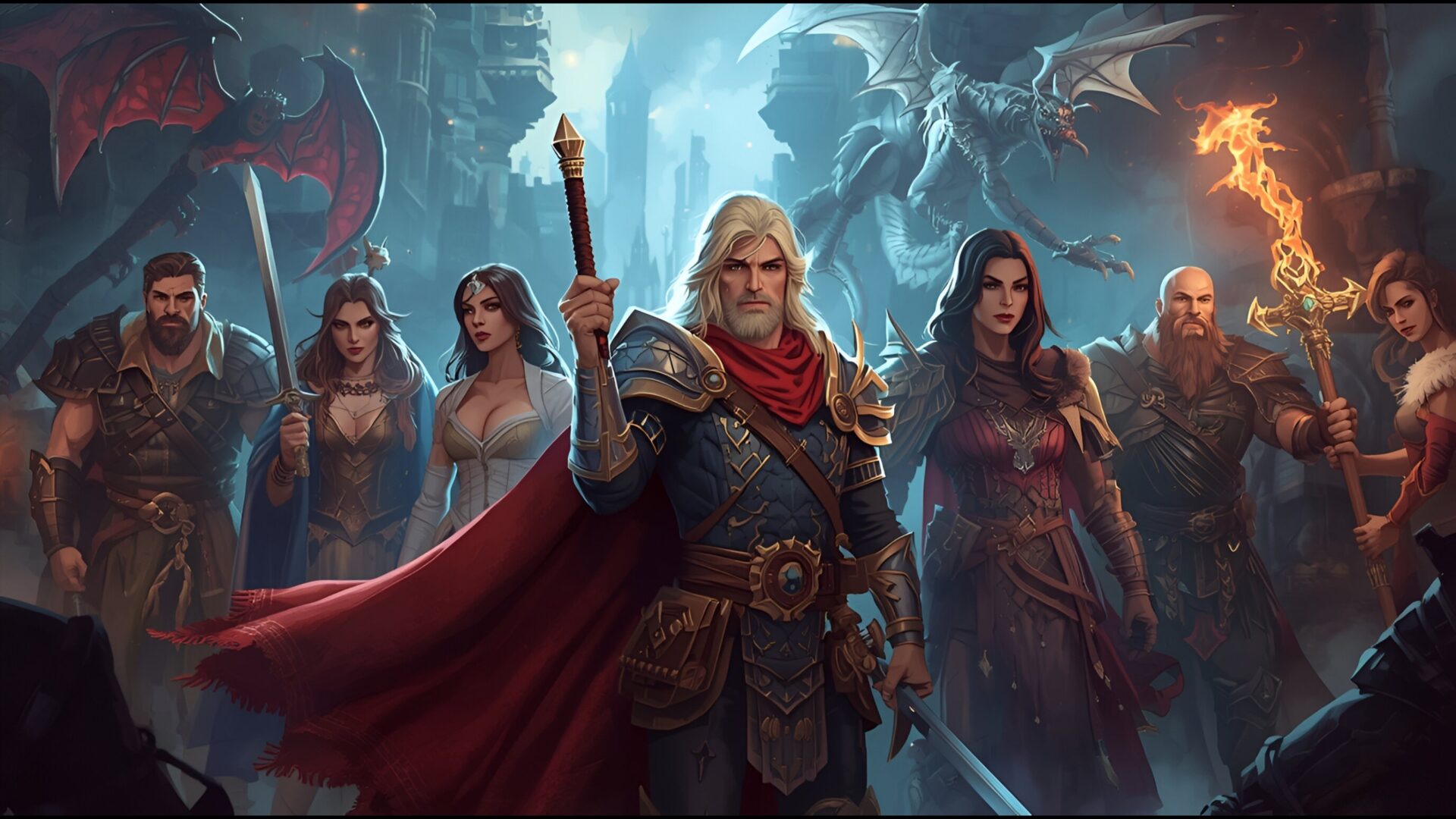
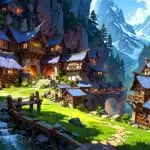
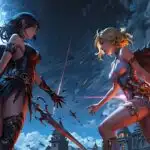
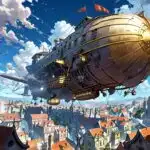
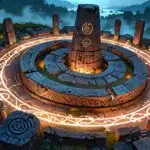
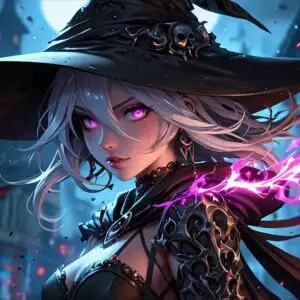
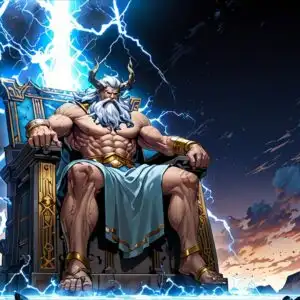
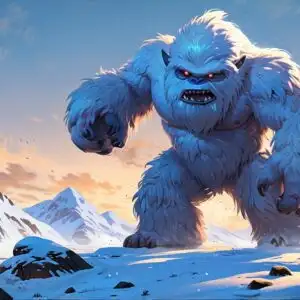
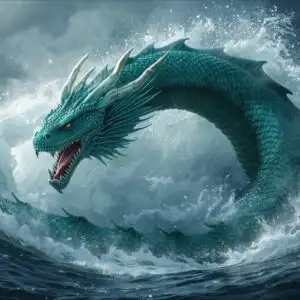
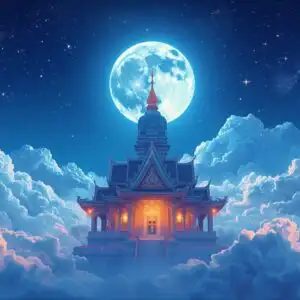
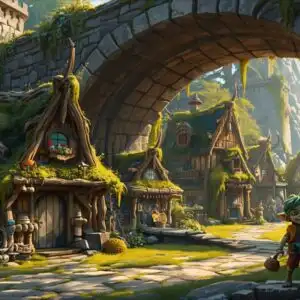
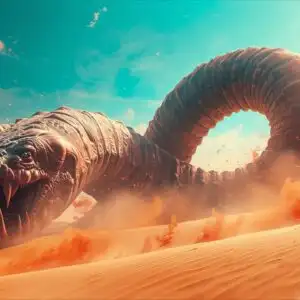
“Dungeons and Dragons Hero Party Adventure” unfolds in a vibrant HD Image, showcasing a classic fantasy scene. The desktop background features a meticulously crafted hero party, ready for an epic quest. The high resolution of 2560×1440 brings every detail to life, from the gleam of their armor to the determination in their eyes.
This HD Artwork captures the essence of tabletop RPGs, with a composition that evokes a sense of camaraderie and impending adventure. Each character is distinct, hinting at unique backstories and skills. The image is rich with details that invite viewers to imagine the unfolding narrative.
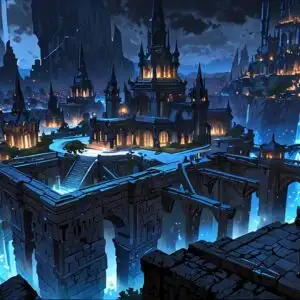
The fantasy theme is evident in every aspect, from the characters’ attire to the suggestion of a sprawling dungeon in the background. It’s a scene that resonates with anyone who has experienced the thrill of a Dungeons and Dragons campaign. The composition draws the eye, making it an engaging desktop background.
If you are looking to personalize your desktop with a touch of adventure, this wallpaper is an excellent choice. It brings the spirit of role-playing games to your digital space. The characters are poised and ready, embodying the spirit of a hero party about to embark on a dangerous quest.
This HD wallpaper is more than just a pretty picture; it’s a portal to another world. The adventure theme is strong, making it a captivating choice for fans of the genre. The level of detail in this HD Photo ensures a visually stunning experience. It’s a chance to bring the excitement of “Dungeons and Dragons Hero Party Adventure” to your screen.
Wallpaper license: CC BY-NC-ND 4.0 · Credit: HDPeek.com
Remove Black Bars | Fit to Any Screen Size | CSS Fixer & Minifier | Compress Image Online | Image Converter Online | What Is My Screen Resolution? | Wallpaper Upscaler Online
Explore Categories
💡 How to Install Wallpaper on Different Devices
Windows PC:
Right-click on the wallpaper image. Select "Set as desktop background" or "Set as wallpaper". Adjust the fit (Fill, Fit, Stretch, Tile, Center) in Settings > Personalization > Background.Mac:
Right-click on the wallpaper image. Select "Set Desktop Picture". Alternatively, go to System Preferences > Desktop & Screen Saver and choose your image.iPhone / iPad (iOS):
Open the wallpaper image in Photos. Tap the Share button and select "Use as Wallpaper". Move and scale the image, then tap "Set" > Choose "Set Lock Screen", "Set Home Screen", or "Set Both".Android:
Open the wallpaper image in your Gallery app. Tap the Menu or Options button, then select "Set as wallpaper". Choose Home screen, Lock screen, or Both. Adjust the crop if needed and confirm.Linux (Ubuntu / others):
Right-click on the wallpaper image. Select "Set as Desktop Background" or "Set as Wallpaper". Adjust settings if your desktop environment allows multiple monitors.
Tips:
- For best quality, download the image in the resolution that matches your screen.
- Use 16:9 for widescreens, 1:1 for square displays.
- On mobile devices, choose "Set Both" for a consistent look on Home and Lock screens.
