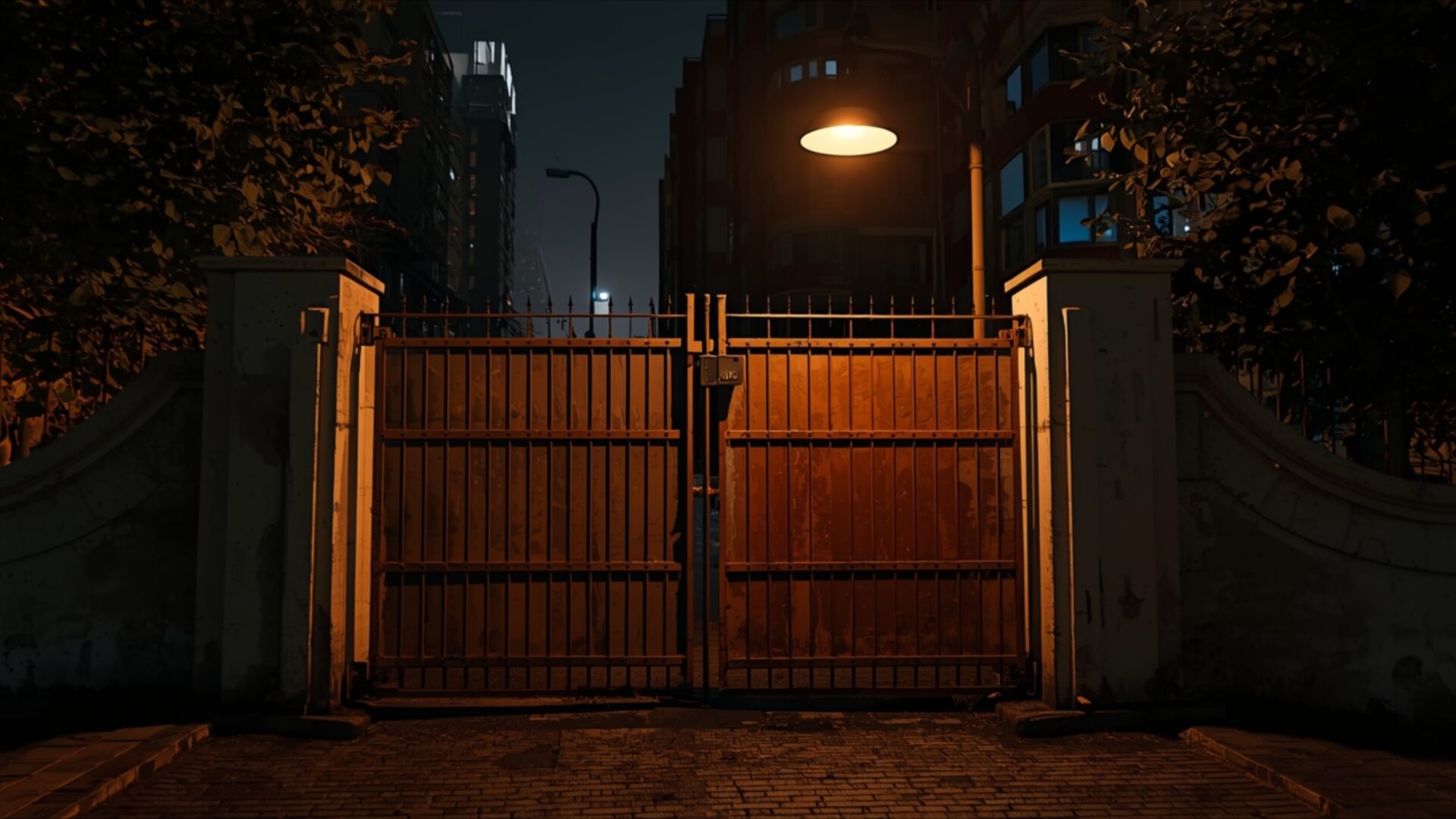
🌑 Rusty Gate Under Street Lamp 4K UHD (3840x2160) Wallpaper

❤ Share this wallpaper:
WhatsApp Facebook Twitter / X Pinterest LinkedIn Copy Link for Instagram Telegram Reddit Email



💡 Below is relevant information on how to install wallpapers on different devices 👇
This 4K wallpaper is the best choice for testing your OLED professional display resolution. Compared to others, our high-performance tool provides a premium look for any high-end smartphone or desktop setup.



"Personalize this wallpaper or upload your own image to create the perfect mobile background 👇"
Customize Rusty Gate Under Street Lamp for Mobile Wallpapers
iPhone • Samsung • Xiaomi • Google Pixel • Android • Huawei • (Others)
720×1600 • 1080×1920 • 1080×2340 • 1080×2400 • 1284×2778 • 1440×3088Please use Portrait Mode for a better experience (Optional)
Overview – Rusty Gate Under Street Lamp
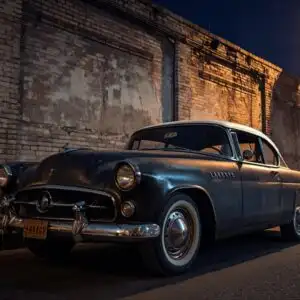
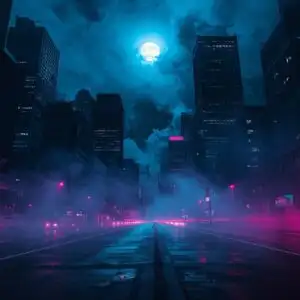
Rusty Gate Under Street Lamp captures a compelling Dark & Moody scene, presenting a weathered, double-leaf gate as the central focus. The image is rendered in 4k wallpaper quality, showcasing intricate details of the metalwork and surrounding textures. A solitary street lamp, positioned above and slightly to the right of the gate’s center, casts a warm, orange-toned light downwards. This illumination creates a dramatic interplay of light and shadow, highlighting the rust and imperfections on the gate’s surface, giving it a tangible, aged feel. The light source itself is a simple, industrial-style fixture, its glow contained and directed, contributing to the overall intimate yet somewhat foreboding atmosphere.
The color palette is dominated by deep blues and blacks in the background, suggesting a late-night setting. These darker tones are punctuated by the vibrant orange glow of the lamp and the warm, earthy browns and reds of the rusty gate. Hints of cooler blues and grays can be seen in the distant urban structures, providing a subtle contrast and a sense of depth. The composition is symmetrical, with the gate perfectly centered, flanked by stone pillars and overgrown foliage on either side. This symmetry lends a sense of order to the scene, even as the textures and lighting suggest decay and the passage of time. The overall mood is one of quiet solitude, perhaps even a touch of mystery, inviting contemplation. This visual theme is perfect for a PC wallpaper.
The ground in front of the gate appears damp, reflecting some of the ambient light and adding another layer of texture to the scene. The foliage, rendered in dark silhouettes, frames the gate and softens the edges of the composition, preventing it from feeling too stark. The artistic style leans towards realism, with a focus on atmospheric lighting and textural detail. The image effectively uses light to sculpt the forms and create a strong sense of mood. This scene composition is ideal for those who appreciate a more subdued and atmospheric aesthetic for their desktop background.
The detail present in this 3840×2160 resolution image is remarkable, allowing for a truly immersive viewing experience. The textures of the rust, the subtle variations in the metal panels, and the diffused glow of the lamp are all rendered with clarity. For those seeking to enhance their digital space, this particular visual theme offers a unique character. You can download wallpaper of this quality to transform your monitor. We also offer this stunning scene in 4K, 2K, and Full HD versions, ensuring it looks perfect on any screen. Rusty Gate Under Street Lamp is ready for your immediate download.
Wallpaper license: CC BY-NC-ND 4.0 · Credit: HDPeek.com
Remove Black Bars | Fit to Any Screen Size | CSS Fixer & Minifier | Compress Image Online | Image Converter Online | What Is My Screen Resolution? | Wallpaper Upscaler Online
Explore Categories
💡 How to Install Wallpaper on Different Devices
Windows PC:
Right-click on the wallpaper image. Select "Set as desktop background" or "Set as wallpaper". Adjust the fit (Fill, Fit, Stretch, Tile, Center) in Settings > Personalization > Background.Mac:
Right-click on the wallpaper image. Select "Set Desktop Picture". Alternatively, go to System Preferences > Desktop & Screen Saver and choose your image.iPhone / iPad (iOS):
Open the wallpaper image in Photos. Tap the Share button and select "Use as Wallpaper". Move and scale the image, then tap "Set" > Choose "Set Lock Screen", "Set Home Screen", or "Set Both".Android:
Open the wallpaper image in your Gallery app. Tap the Menu or Options button, then select "Set as wallpaper". Choose Home screen, Lock screen, or Both. Adjust the crop if needed and confirm.Linux (Ubuntu / others):
Right-click on the wallpaper image. Select "Set as Desktop Background" or "Set as Wallpaper". Adjust settings if your desktop environment allows multiple monitors.
Tips:
- For best quality, download the image in the resolution that matches your screen.
- Use 16:9 for widescreens, 1:1 for square displays.
- On mobile devices, choose "Set Both" for a consistent look on Home and Lock screens.
