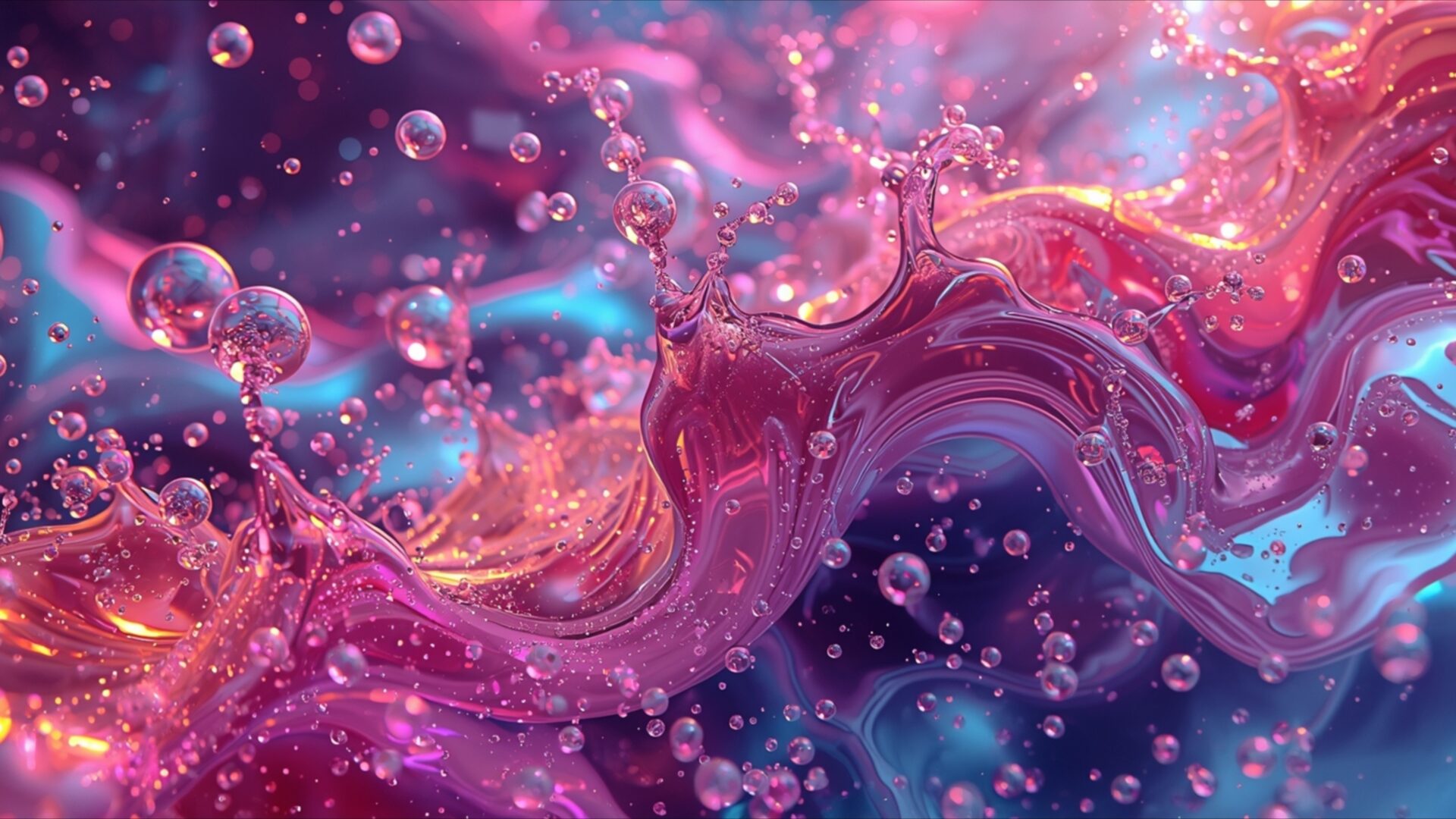
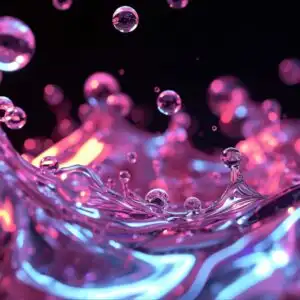
📼 Abstract Liquid Bubbles Neon Flow 4K UHD (3840x2160) Wallpaper
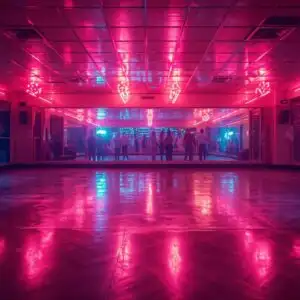
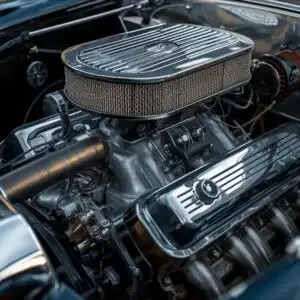
 Jukebox Bubbles Moving Liquid Light Effect Retro
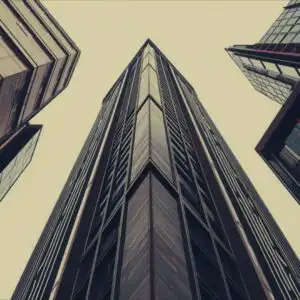
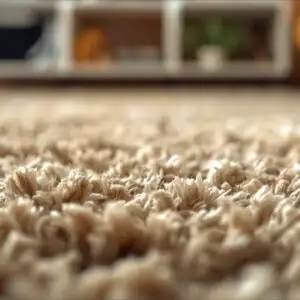
 Worn Leather Texture Suitcase Retro Travel Luggage
❤ Share this wallpaper:
WhatsApp Facebook Twitter / X Pinterest LinkedIn Copy Link for Instagram Telegram Reddit Email



💡 Below is relevant information on how to install wallpapers on different devices 👇
This 4K wallpaper is the best choice for testing your OLED professional display resolution. Compared to others, our high-performance tool provides a premium look for any high-end smartphone or desktop setup.
"Personalize this wallpaper or upload your own image to create the perfect mobile background 👇"
Customize Abstract Liquid Bubbles Neon Flow for Mobile Wallpapers
iPhone • Samsung • Xiaomi • Google Pixel • Android • Huawei • (Others)
720×1600 • 1080×1920 • 1080×2340 • 1080×2400 • 1284×2778 • 1440×3088Please use Portrait Mode for a better experience (Optional)
Overview – Abstract Liquid Bubbles Neon Flow
Abstract Liquid Bubbles Neon Flow invites you into a vibrant world of fluid dynamics, a perfect addition to any Retro visual theme. This 4k wallpaper captures a dynamic interplay of light and color, reminiscent of a retro-futuristic aesthetic. The composition centers on a swirling, glossy substance that appears to be in constant motion, studded with numerous small bubbles. These bubbles, ranging in size, catch the light, creating small, bright highlights that add depth and texture to the overall scene. The primary color palette is a rich gradient of pinks and blues, with hints of purple and gold, evoking a sense of energetic yet calming visual flow.
The lighting in the image is dramatic, with light sources seemingly embedded within the liquid itself, causing it to glow from within. This internal illumination highlights the translucent qualities of the bubbles and the viscous nature of the main fluid. The reflections and refractions on the surfaces of the liquid and bubbles are intricate, suggesting a complex, almost crystalline structure within the fluid. The overall mood is one of energetic abstraction, a snapshot of a moment frozen in time, showcasing the beauty of chaotic yet harmonious movement. This desktop background is ideal for those who appreciate art that is both visually stimulating and subtly complex.
The texture is a key element, with the smooth, undulating surfaces of the liquid contrasting with the spherical forms of the bubbles. Tiny specks of light, like distant stars, are scattered throughout the darker areas, adding to the ethereal quality of the scene. This visual theme is designed to draw the viewer in, encouraging a closer look at the detailed interplay of light and form. The image offers a unique perspective on abstract art, blending organic shapes with an almost digital luminescence. The sheer detail present in the 3840×2160 resolution ensures that every nuance of color and light is rendered with clarity, making it a compelling choice for any display. You can download wallpaper in 4K, 2K, and Full HD resolutions. Abstract Liquid Bubbles Neon Flow is ready for your screen.
Wallpaper license: CC BY-NC-ND 4.0 · Credit: HDPeek.com
Remove Black Bars | Fit to Any Screen Size | CSS Fixer & Minifier | Compress Image Online | Image Converter Online | What Is My Screen Resolution? | Wallpaper Upscaler Online
Explore Categories
💡 How to Install Wallpaper on Different Devices
Windows PC:
Right-click on the wallpaper image. Select "Set as desktop background" or "Set as wallpaper". Adjust the fit (Fill, Fit, Stretch, Tile, Center) in Settings > Personalization > Background.Mac:
Right-click on the wallpaper image. Select "Set Desktop Picture". Alternatively, go to System Preferences > Desktop & Screen Saver and choose your image.iPhone / iPad (iOS):
Open the wallpaper image in Photos. Tap the Share button and select "Use as Wallpaper". Move and scale the image, then tap "Set" > Choose "Set Lock Screen", "Set Home Screen", or "Set Both".Android:
Open the wallpaper image in your Gallery app. Tap the Menu or Options button, then select "Set as wallpaper". Choose Home screen, Lock screen, or Both. Adjust the crop if needed and confirm.Linux (Ubuntu / others):
Right-click on the wallpaper image. Select "Set as Desktop Background" or "Set as Wallpaper". Adjust settings if your desktop environment allows multiple monitors.
Tips:
- For best quality, download the image in the resolution that matches your screen.
- Use 16:9 for widescreens, 1:1 for square displays.
- On mobile devices, choose "Set Both" for a consistent look on Home and Lock screens.
