🏞️ Lush Rainforest Waterfall Cascade 4K UHD (3840x2160) Wallpaper
❤ Share this wallpaper:
WhatsApp Facebook Twitter / X Pinterest LinkedIn Copy Link for Instagram Telegram Reddit Email

💡 Below is relevant information on how to install wallpapers on different devices 👇

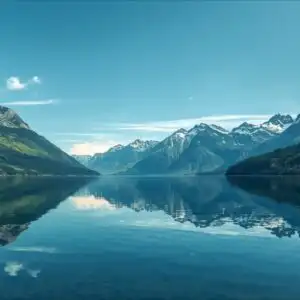
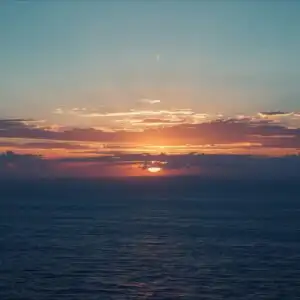
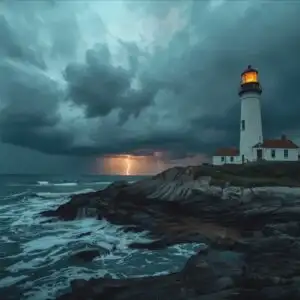
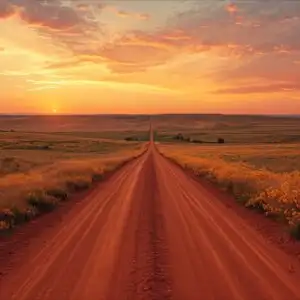
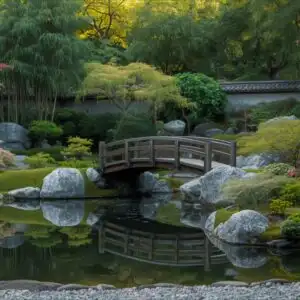
This 4K wallpaper is the best choice for testing your OLED professional display resolution. Compared to others, our high-performance tool provides a premium look for any high-end smartphone or desktop setup.

"Personalize this wallpaper or upload your own image to create the perfect mobile background 👇"
Customize Lush Rainforest Waterfall Cascade for Mobile Wallpapers
iPhone • Samsung • Xiaomi • Google Pixel • Android • Huawei • (Others)
720×1600 • 1080×1920 • 1080×2340 • 1080×2400 • 1284×2778 • 1440×3088Please use Portrait Mode for a better experience (Optional)
Overview – Lush Rainforest Waterfall Cascade
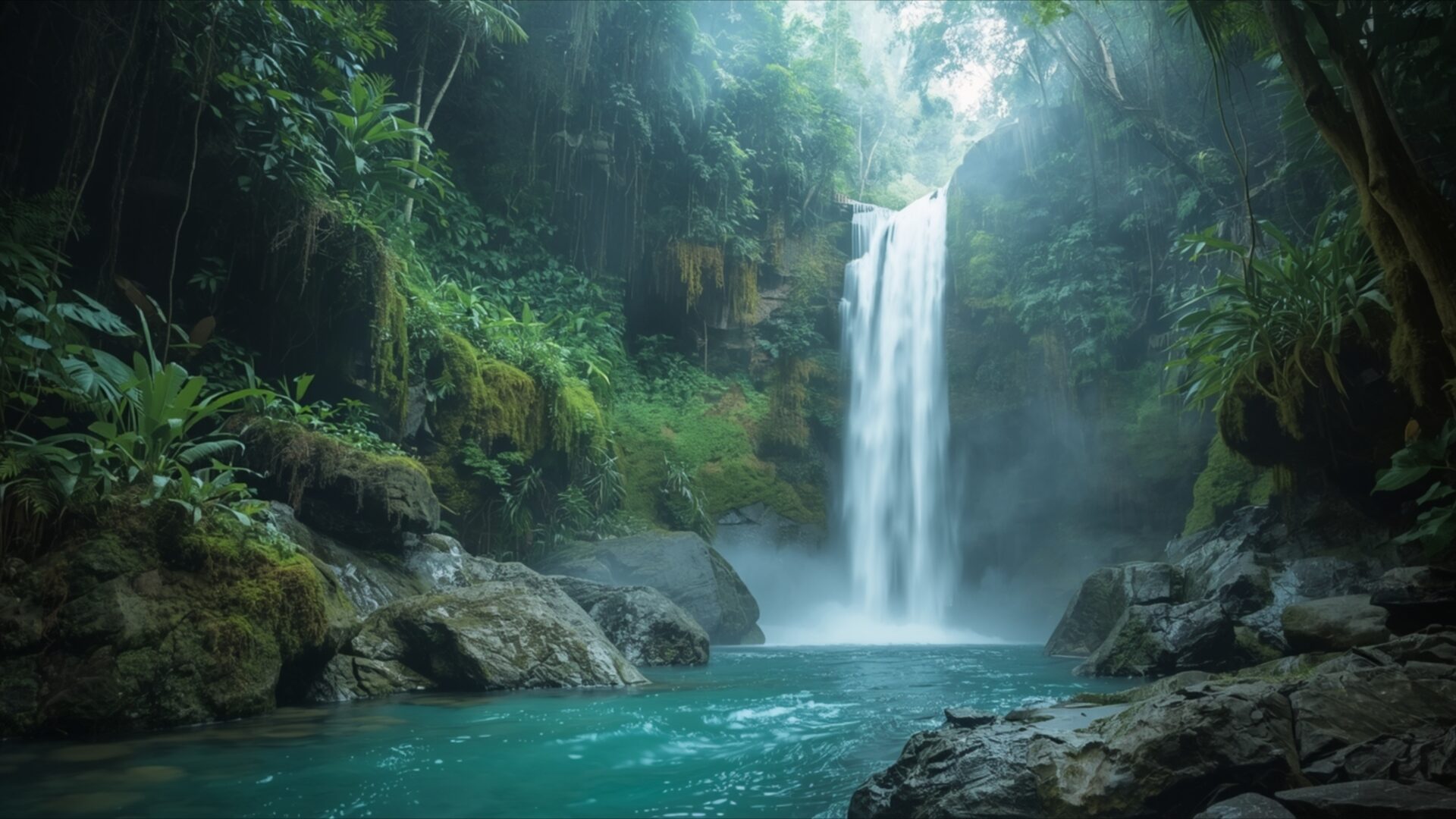
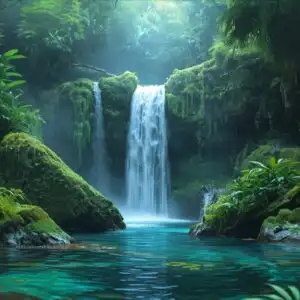
Lush Rainforest Waterfall Cascade invites you into a vibrant natural scene, a stunning piece within the Landscapes category. This visual theme captures a secluded waterfall plunging into a pool of strikingly turquoise water. The light filters down from above, creating a soft, ethereal glow that illuminates the mist rising from the cascade. Dense, verdant foliage crowds the edges of the scene, with various shades of green creating a rich tapestry of plant life. Moss-covered rocks frame the water, adding texture and a sense of age to the environment. The overall mood is one of tranquility and untouched wilderness, a quiet corner of the world where nature reigns supreme.
The composition draws the eye directly to the powerful yet graceful flow of the waterfall, which acts as the central focal point. The water’s movement is rendered with a sense of dynamic energy, contrasting with the stillness of the surrounding jungle. Subtle atmospheric effects, like the gentle mist and the diffused light, contribute to the immersive quality of the image. You can almost feel the cool spray and hear the distant roar of the water. The color palette is dominated by deep greens and the vivid blue of the water, punctuated by the soft, almost hazy light that softens the edges of the scene and enhances the feeling of depth. This is a perfect visual for anyone seeking a connection with the raw beauty of the natural world.
This high-resolution image, presented in 3840×2160, offers incredible detail that brings the rainforest to life on your screen. It is ideal as a desktop background, transforming your computer screen into a window to this serene location. The intricate details of the leaves, the texture of the rocks, and the clarity of the water are all preserved, making it a truly captivating visual experience. You can download wallpaper of this scene, offering a quick download to enhance your digital space. We also provide this stunning visual in 4K, 2K, and Full HD versions, ensuring it looks exceptional on any display.
Wallpaper license: CC BY-NC-ND 4.0 · Credit: HDPeek.com
Remove Black Bars | Fit to Any Screen Size | CSS Fixer & Minifier | Compress Image Online | Image Converter Online | What Is My Screen Resolution? | Wallpaper Upscaler Online
Explore Categories
💡 How to Install Wallpaper on Different Devices
Windows PC:
Right-click on the wallpaper image. Select "Set as desktop background" or "Set as wallpaper". Adjust the fit (Fill, Fit, Stretch, Tile, Center) in Settings > Personalization > Background.Mac:
Right-click on the wallpaper image. Select "Set Desktop Picture". Alternatively, go to System Preferences > Desktop & Screen Saver and choose your image.iPhone / iPad (iOS):
Open the wallpaper image in Photos. Tap the Share button and select "Use as Wallpaper". Move and scale the image, then tap "Set" > Choose "Set Lock Screen", "Set Home Screen", or "Set Both".Android:
Open the wallpaper image in your Gallery app. Tap the Menu or Options button, then select "Set as wallpaper". Choose Home screen, Lock screen, or Both. Adjust the crop if needed and confirm.Linux (Ubuntu / others):
Right-click on the wallpaper image. Select "Set as Desktop Background" or "Set as Wallpaper". Adjust settings if your desktop environment allows multiple monitors.
Tips:
- For best quality, download the image in the resolution that matches your screen.
- Use 16:9 for widescreens, 1:1 for square displays.
- On mobile devices, choose "Set Both" for a consistent look on Home and Lock screens.
