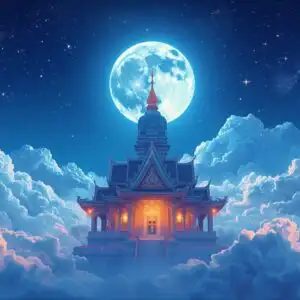
🐉 Enchanted Castle Under Thunderstorm Skies 4K UHD (3840x2160) Wallpaper

❤ Share this wallpaper:
WhatsApp Facebook Twitter / X Pinterest LinkedIn Copy Link for Instagram Telegram Reddit Email





💡 Below is relevant information on how to install wallpapers on different devices 👇




This 4K wallpaper is the best choice for testing your OLED professional display resolution. Compared to others, our high-performance tool provides a premium look for any high-end smartphone or desktop setup.





"Personalize this wallpaper or upload your own image to create the perfect mobile background 👇"
Customize Enchanted Castle Under Thunderstorm Skies for Mobile Wallpapers
iPhone • Samsung • Xiaomi • Google Pixel • Android • Huawei • (Others)
720×1600 • 1080×1920 • 1080×2340 • 1080×2400 • 1284×2778 • 1440×3088Please use Portrait Mode for a better experience (Optional)
Overview – Enchanted Castle Under Thunderstorm Skies
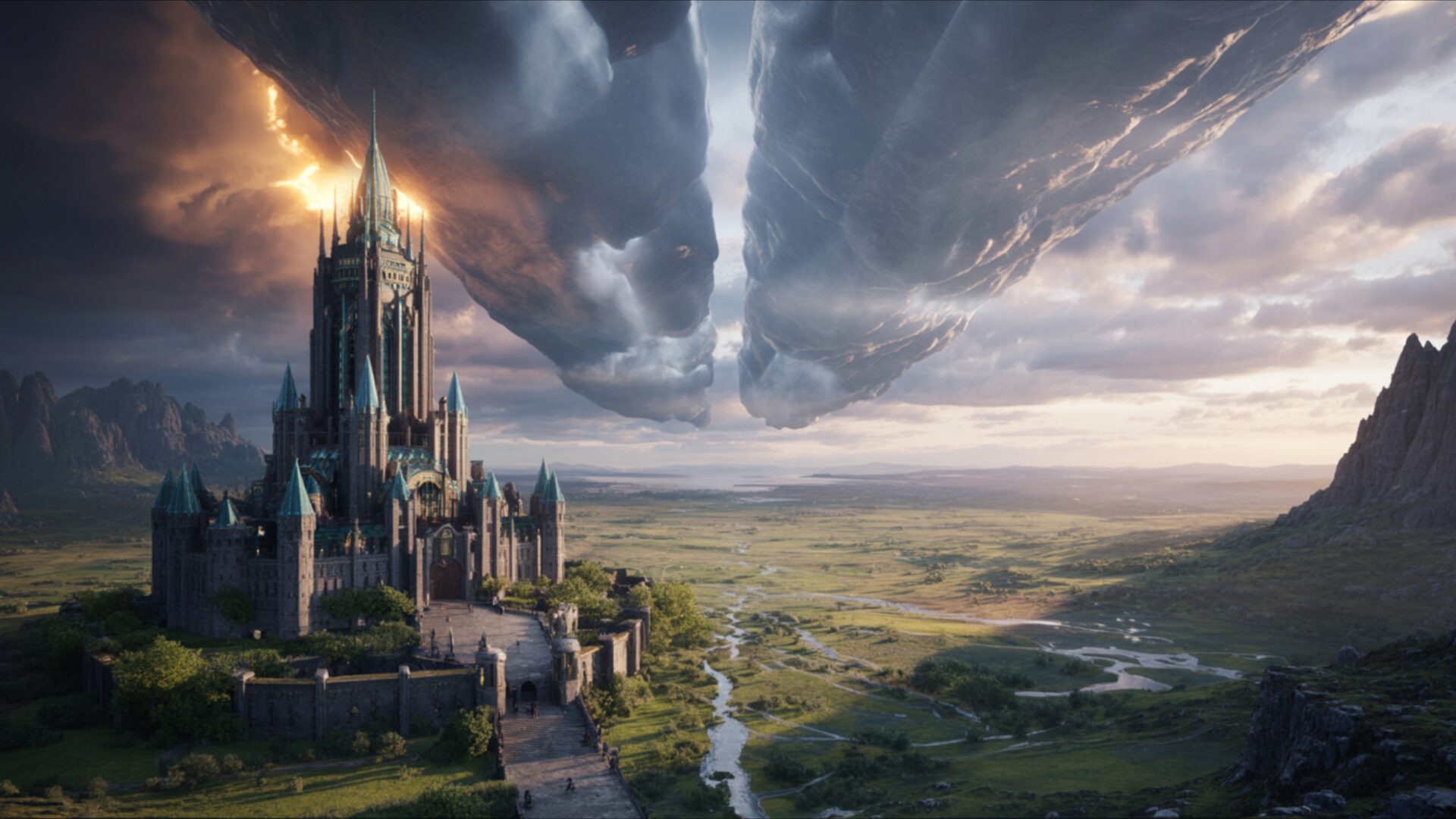
Enchanted Castle Under Thunderstorm Skies evokes the drama of the Fantasy category, presenting a captivating scene where architectural grandeur meets the raw power of nature. The image showcases a majestic castle, its towers and ramparts silhouetted against a turbulent sky, a spectacle rendered in detailed 3840×2160 resolution. The composition emphasizes the contrast between the solid, imposing structure of the fortress and the swirling, dynamic energy of the storm above.
The scene composition draws the eye upward, following the jagged lines of lightning that illuminate the dark storm clouds. The castle itself appears to be bathed in an ethereal glow, perhaps hinting at the magic light that permeates the structure. This light source creates a focal point, adding depth and dimension to the overall visual theme. The mystical atmosphere is further enhanced by the interplay of light and shadow, giving the impression of a world where fantasy and reality intertwine. The storm clouds, heavy with moisture, contribute to the sense of impending drama, while the castle stands defiant, a beacon of resilience against the elements.
This stylish HD artwork is perfect to personalize your desktop. The dramatic sky serves as a powerful backdrop, its dark hues contrasting sharply with the lighter tones of the castle. The high-resolution detail allows for a close examination of the architectural features, from the intricate stonework to the imposing towers. The overall effect is one of grandeur and mystery, inviting the viewer to imagine the stories hidden within the castle walls. The use of perspective enhances the sense of scale, making the fortress appear even more imposing against the vastness of the storm-ridden sky.
For those seeking a striking desktop background, this 4k wallpaper offers a visually stunning option. The interplay of light and shadow creates a sense of depth and dimension, while the dramatic composition ensures that it will capture attention. It’s a perfect PC wallpaper for anyone who appreciates fantasy art and wants to add a touch of magic to their computer screen background. You can download wallpaper and use it as a laptop wallpaper or notebook wallpaper.
This Enchanted Castle Under Thunderstorm Skies is available as a free wallpaper, and you can get it now for instant download. Besides the stunning 4K version, this visual theme is also available in 2K and Full HD versions, ensuring optimal display quality across a range of devices.
Wallpaper license: CC BY-NC-ND 4.0 · Credit: HDPeek.com
Remove Black Bars | Fit to Any Screen Size | CSS Fixer & Minifier | Compress Image Online | Image Converter Online | What Is My Screen Resolution? | Wallpaper Upscaler Online
Explore Categories
💡 How to Install Wallpaper on Different Devices
Windows PC:
Right-click on the wallpaper image. Select "Set as desktop background" or "Set as wallpaper". Adjust the fit (Fill, Fit, Stretch, Tile, Center) in Settings > Personalization > Background.Mac:
Right-click on the wallpaper image. Select "Set Desktop Picture". Alternatively, go to System Preferences > Desktop & Screen Saver and choose your image.iPhone / iPad (iOS):
Open the wallpaper image in Photos. Tap the Share button and select "Use as Wallpaper". Move and scale the image, then tap "Set" > Choose "Set Lock Screen", "Set Home Screen", or "Set Both".Android:
Open the wallpaper image in your Gallery app. Tap the Menu or Options button, then select "Set as wallpaper". Choose Home screen, Lock screen, or Both. Adjust the crop if needed and confirm.Linux (Ubuntu / others):
Right-click on the wallpaper image. Select "Set as Desktop Background" or "Set as Wallpaper". Adjust settings if your desktop environment allows multiple monitors.
Tips:
- For best quality, download the image in the resolution that matches your screen.
- Use 16:9 for widescreens, 1:1 for square displays.
- On mobile devices, choose "Set Both" for a consistent look on Home and Lock screens.
