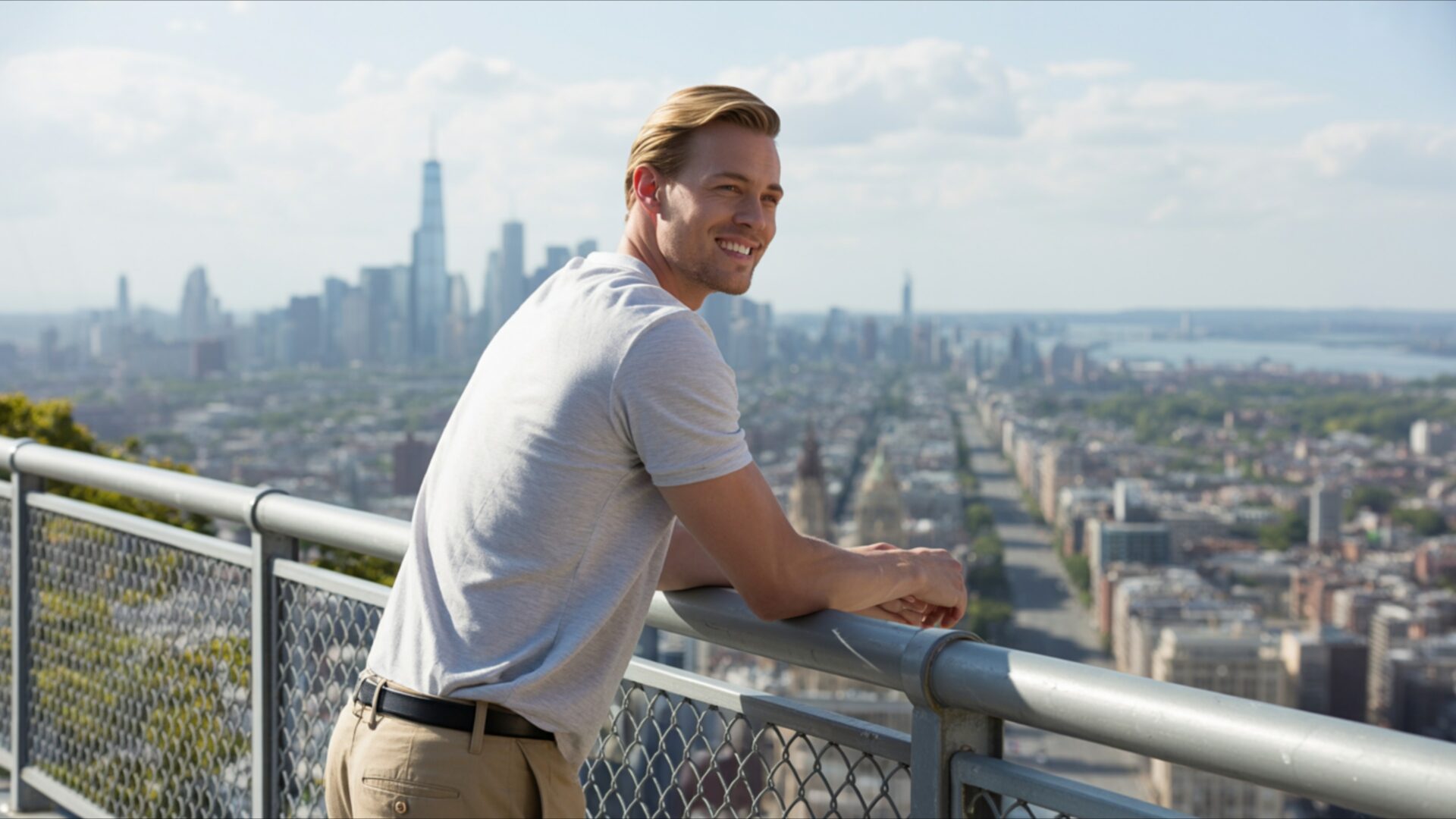
📸️ Relaxed Urban Style City Skyline View Man Leaning 4K UHD (3840x2160) Wallpaper


❤ Share this wallpaper:
WhatsApp Facebook Twitter / X Pinterest LinkedIn Copy Link for Instagram Telegram Reddit Email





💡 Below is relevant information on how to install wallpapers on different devices 👇






This 4K wallpaper is the best choice for testing your OLED professional display resolution. Compared to others, our high-performance tool provides a premium look for any high-end smartphone or desktop setup.






"Personalize this wallpaper or upload your own image to create the perfect mobile background 👇"
Customize Relaxed Urban Style City Skyline View Man Leaning for Mobile Wallpapers
iPhone • Samsung • Xiaomi • Google Pixel • Android • Huawei • (Others)
720×1600 • 1080×1920 • 1080×2340 • 1080×2400 • 1284×2778 • 1440×3088Please use Portrait Mode for a better experience (Optional)
Overview – Relaxed Urban Style City Skyline View Man Leaning
Relaxed Urban Style City Skyline View Man Leaning captures a moment of quiet contemplation within the People & Lifestyle category, offering a glimpse into modern urban existence. The scene composition immediately draws the eye to the silhouetted figure of a man, casually leaning against a railing, his gaze directed towards the sprawling cityscape before him. The cool mood is palpable, enhanced by the interplay of shadows and the soft glow of distant city lights. It’s a visual theme that speaks to the allure of urban life, the blend of solitude and connection that defines the metropolitan experience.
The high angle provides a sweeping panorama of the city, emphasizing the scale and complexity of the urban environment. Modern architecture dominates the skyline, a testament to human ingenuity and ambition. Each building contributes to the overall texture of the image, creating a rich tapestry of shapes and forms. The city lights twinkle like stars, adding a touch of magic to the scene. The man’s relaxed stance suggests a moment of respite, a chance to pause and appreciate the beauty of the cityscape. This stylish HD artwork is perfect to personalize your desktop.
The image focuses on the interplay between the individual and the environment, highlighting the way we interact with and experience the urban landscape. The man’s attractive look and relaxed posture create a sense of calm and serenity, inviting viewers to share in his moment of contemplation. The urban style is evident in every detail, from the sleek lines of the buildings to the subtle textures of the railings. It’s a scene that resonates with anyone who has ever felt drawn to the energy and excitement of city life. This desktop background is a great choice for anyone seeking a touch of urban sophistication.
This 4k wallpaper offers an instant download to transform your computer screen background into a captivating vista. The high-resolution detail ensures that every element of the scene is rendered with clarity and precision, from the intricate patterns of the buildings to the subtle nuances of light and shadow. It’s a visual experience that is both immersive and engaging, inviting you to explore the depths of the urban landscape. The image is a testament to the power of photography to capture fleeting moments of beauty and emotion.
This is a great laptop wallpaper to get it now and enjoy the view. The availability of this Relaxed Urban Style City Skyline View Man Leaning image extends to various resolutions, ensuring compatibility with a wide range of devices. While the highest quality 4K version provides the most detailed and immersive experience, 2K and Full HD versions are also readily available, making it easy to find the perfect fit for your screen, whether you’re seeking a stunning visual for your desktop or a captivating phone background.
Wallpaper license: CC BY-NC-ND 4.0 · Credit: HDPeek.com
Remove Black Bars | Fit to Any Screen Size | CSS Fixer & Minifier | Compress Image Online | Image Converter Online | What Is My Screen Resolution? | Wallpaper Upscaler Online
Explore Categories
💡 How to Install Wallpaper on Different Devices
Windows PC:
Right-click on the wallpaper image. Select "Set as desktop background" or "Set as wallpaper". Adjust the fit (Fill, Fit, Stretch, Tile, Center) in Settings > Personalization > Background.Mac:
Right-click on the wallpaper image. Select "Set Desktop Picture". Alternatively, go to System Preferences > Desktop & Screen Saver and choose your image.iPhone / iPad (iOS):
Open the wallpaper image in Photos. Tap the Share button and select "Use as Wallpaper". Move and scale the image, then tap "Set" > Choose "Set Lock Screen", "Set Home Screen", or "Set Both".Android:
Open the wallpaper image in your Gallery app. Tap the Menu or Options button, then select "Set as wallpaper". Choose Home screen, Lock screen, or Both. Adjust the crop if needed and confirm.Linux (Ubuntu / others):
Right-click on the wallpaper image. Select "Set as Desktop Background" or "Set as Wallpaper". Adjust settings if your desktop environment allows multiple monitors.
Tips:
- For best quality, download the image in the resolution that matches your screen.
- Use 16:9 for widescreens, 1:1 for square displays.
- On mobile devices, choose "Set Both" for a consistent look on Home and Lock screens.
