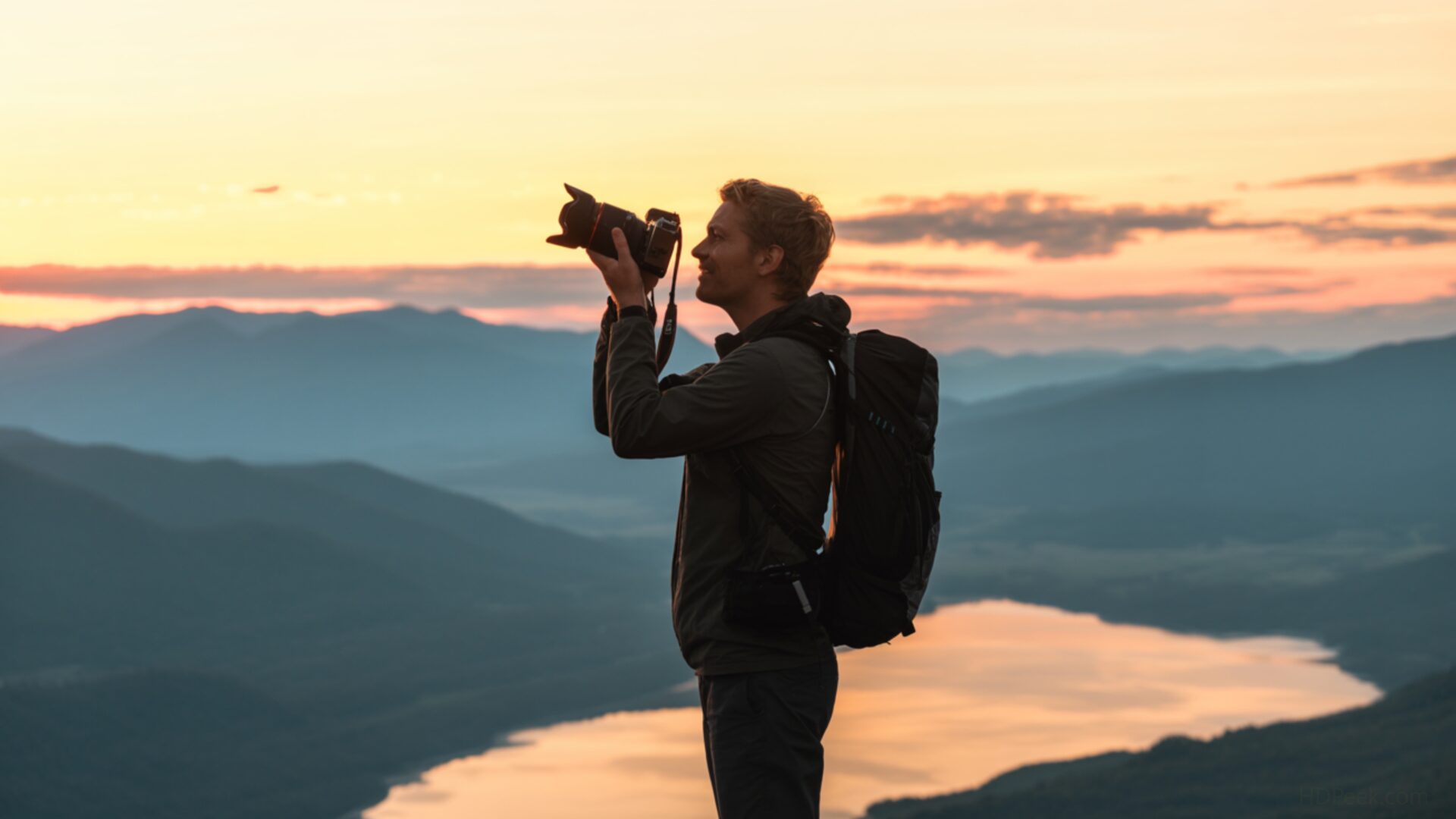
📸️ Traveler Taking Photo of Horizon 4K UHD (3840x2160) Wallpaper


❤ Share this wallpaper:
WhatsApp Facebook Twitter / X Pinterest LinkedIn Copy Link for Instagram Telegram Reddit Email





💡 Below is relevant information on how to install wallpapers on different devices 👇






This 4K wallpaper is the best choice for testing your OLED professional display resolution. Compared to others, our high-performance tool provides a premium look for any high-end smartphone or desktop setup.






"Personalize this wallpaper or upload your own image to create the perfect mobile background 👇"
Customize Traveler Taking Photo of Horizon for Mobile Wallpapers
iPhone • Samsung • Xiaomi • Google Pixel • Android • Huawei • (Others)
720×1600 • 1080×1920 • 1080×2340 • 1080×2400 • 1284×2778 • 1440×3088Please use Portrait Mode for a better experience (Optional)
Overview – Traveler Taking Photo of Horizon
“Traveler Taking Photo of Horizon” captures the spirit of the People & Lifestyle category, presenting a moment of exploration and personal connection with nature. The composition draws the eye towards the distant horizon, where the sky meets the land in a seamless blend of color and light. A solitary traveler, silhouetted against the bright expanse, is seen capturing the scene with a camera, emphasizing the act of preserving memories and experiences. The lighting plays a crucial role, casting long shadows and highlighting the textures of the landscape.
The overall visual style evokes a sense of freedom and wanderlust. The sky, a dominant element in the image, showcases subtle gradations of color, adding depth and dimension to the scene. The traveler’s posture suggests a moment of contemplation, inviting viewers to reflect on their own journeys and aspirations. This desktop background offers a tranquil escape, providing a daily reminder of the beauty and serenity found in the natural world. It’s a stylish HD artwork that can personalize your desktop.
The composition is carefully balanced, with the traveler positioned to create a sense of scale and perspective. The use of negative space further enhances the feeling of openness and vastness. The camera, held by the traveler, serves as a focal point, symbolizing the desire to document and share experiences. The adventure theme is subtly conveyed through the implied journey and the sense of discovery. This image background is more than just a pretty picture; it’s an invitation to embrace the unknown and seek out new horizons.
Consider this high-resolution image as a window to another world, a world where the sky is the limit and the possibilities are endless. The 3840×2160 resolution ensures that every detail is rendered with clarity and precision, making it a stunning addition to any computer screen background. It’s a reminder to embrace the present moment and appreciate the beauty that surrounds us. This PC wallpaper is perfect for those who seek inspiration and motivation in their daily lives. It’s a visual escape that can transport you to a place of peace and tranquility.
This image is available as a 4k wallpaper, ensuring the highest quality for your devices. It also makes a great laptop wallpaper. You can get it now as a mobile background or smartphone wallpaper. For those seeking slightly smaller file sizes without sacrificing too much detail, 2K and Full HD versions of this “Traveler Taking Photo of Horizon” are also available for quick download.
Wallpaper license: CC BY-NC-ND 4.0 · Credit: HDPeek.com
Remove Black Bars | Fit to Any Screen Size | CSS Fixer & Minifier | Compress Image Online | Image Converter Online | What Is My Screen Resolution? | Wallpaper Upscaler Online
Explore Categories
💡 How to Install Wallpaper on Different Devices
Windows PC:
Right-click on the wallpaper image. Select "Set as desktop background" or "Set as wallpaper". Adjust the fit (Fill, Fit, Stretch, Tile, Center) in Settings > Personalization > Background.Mac:
Right-click on the wallpaper image. Select "Set Desktop Picture". Alternatively, go to System Preferences > Desktop & Screen Saver and choose your image.iPhone / iPad (iOS):
Open the wallpaper image in Photos. Tap the Share button and select "Use as Wallpaper". Move and scale the image, then tap "Set" > Choose "Set Lock Screen", "Set Home Screen", or "Set Both".Android:
Open the wallpaper image in your Gallery app. Tap the Menu or Options button, then select "Set as wallpaper". Choose Home screen, Lock screen, or Both. Adjust the crop if needed and confirm.Linux (Ubuntu / others):
Right-click on the wallpaper image. Select "Set as Desktop Background" or "Set as Wallpaper". Adjust settings if your desktop environment allows multiple monitors.
Tips:
- For best quality, download the image in the resolution that matches your screen.
- Use 16:9 for widescreens, 1:1 for square displays.
- On mobile devices, choose "Set Both" for a consistent look on Home and Lock screens.
