🌿 Tropical Jungle Waterfall Paradise 4K UHD (3840x2160) Wallpaper

❤ Share this wallpaper:
WhatsApp Facebook Twitter / X Pinterest LinkedIn Copy Link for Instagram Telegram Reddit Email




💡 Below is relevant information on how to install wallpapers on different devices 👇


This 4K wallpaper is the best choice for testing your OLED professional display resolution. Compared to others, our high-performance tool provides a premium look for any high-end smartphone or desktop setup.
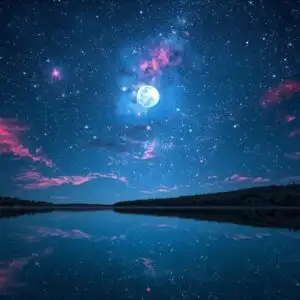
"Personalize this wallpaper or upload your own image to create the perfect mobile background 👇"
Customize Tropical Jungle Waterfall Paradise for Mobile Wallpapers
iPhone • Samsung • Xiaomi • Google Pixel • Android • Huawei • (Others)
720×1600 • 1080×1920 • 1080×2340 • 1080×2400 • 1284×2778 • 1440×3088Please use Portrait Mode for a better experience (Optional)
Overview – Tropical Jungle Waterfall Paradise
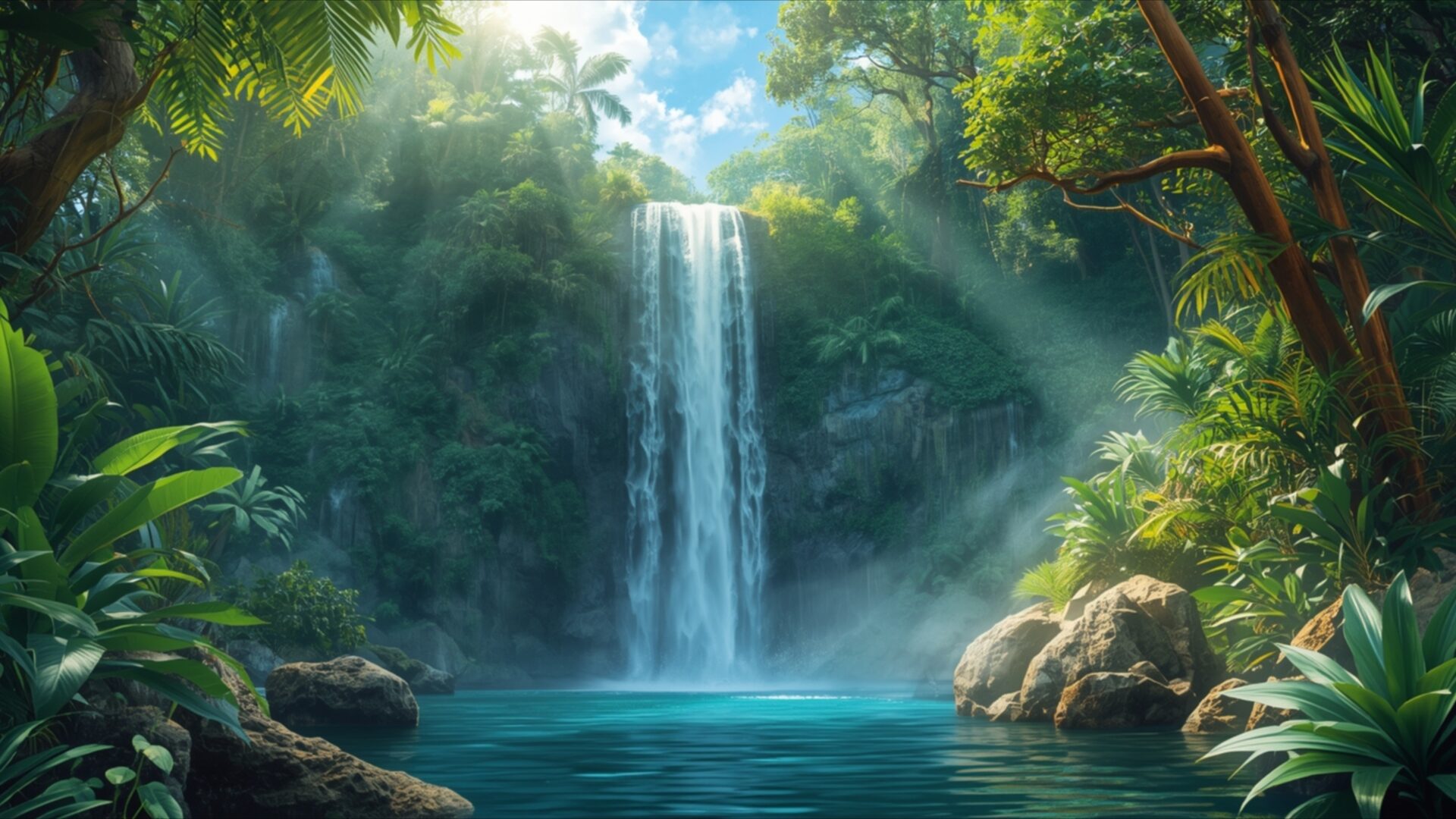
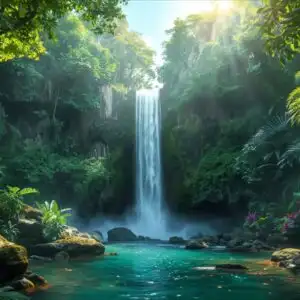
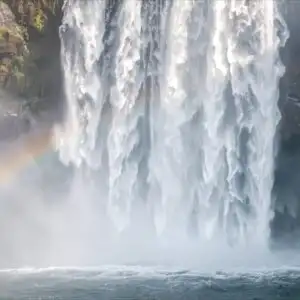
Tropical Jungle Waterfall Paradise invites you into a vibrant Nature scene, a true visual escape. This 4k wallpaper captures a secluded waterfall cascading into a clear, turquoise pool, surrounded by an abundance of lush, tropical foliage. Sunlight filters through the dense canopy, casting ethereal rays that illuminate the mist rising from the falling water. The color palette is dominated by rich greens, from the deep emerald of the leaves to the lighter, vibrant hues of new growth, contrasted beautifully with the cool blues of the water and sky.
The composition draws the eye directly to the powerful yet serene waterfall, a focal point framed by ancient trees and exotic plants. The lighting is soft and diffused, creating a tranquil atmosphere that feels both wild and inviting. You can almost feel the cool spray and hear the gentle roar of the water. This visual theme is perfect for anyone seeking a moment of calm and a connection to the untamed beauty of the natural world. The detail in the foliage, from broad leaves to delicate ferns, adds a sense of depth and realism to the scene.
The image evokes a feeling of discovery, as if stumbling upon a hidden sanctuary. The textures are varied, from the smooth, wet rocks at the water’s edge to the rough bark of the trees and the soft, velvety appearance of mosses and leaves. This aesthetic layout is designed to transport you, offering a digital window to a peaceful, untouched corner of the earth. It’s a scene that speaks of life, growth, and the quiet power of nature.
This high-resolution image is ideal for your PC wallpaper, offering a refreshing and invigorating visual experience every time you look at your screen. The vibrant colors and detailed rendering make it a standout piece for any digital space. You can download wallpaper of this stunning tropical paradise. Experience the full glory of this natural wonder in its 3840×2160 resolution, with 4K, 2K, and Full HD versions also available for your viewing pleasure.
Wallpaper license: CC BY-NC-ND 4.0 · Credit: HDPeek.com
Remove Black Bars | Fit to Any Screen Size | CSS Fixer & Minifier | Compress Image Online | Image Converter Online | What Is My Screen Resolution? | Wallpaper Upscaler Online
Explore Categories
💡 How to Install Wallpaper on Different Devices
Windows PC:
Right-click on the wallpaper image. Select "Set as desktop background" or "Set as wallpaper". Adjust the fit (Fill, Fit, Stretch, Tile, Center) in Settings > Personalization > Background.Mac:
Right-click on the wallpaper image. Select "Set Desktop Picture". Alternatively, go to System Preferences > Desktop & Screen Saver and choose your image.iPhone / iPad (iOS):
Open the wallpaper image in Photos. Tap the Share button and select "Use as Wallpaper". Move and scale the image, then tap "Set" > Choose "Set Lock Screen", "Set Home Screen", or "Set Both".Android:
Open the wallpaper image in your Gallery app. Tap the Menu or Options button, then select "Set as wallpaper". Choose Home screen, Lock screen, or Both. Adjust the crop if needed and confirm.Linux (Ubuntu / others):
Right-click on the wallpaper image. Select "Set as Desktop Background" or "Set as Wallpaper". Adjust settings if your desktop environment allows multiple monitors.
Tips:
- For best quality, download the image in the resolution that matches your screen.
- Use 16:9 for widescreens, 1:1 for square displays.
- On mobile devices, choose "Set Both" for a consistent look on Home and Lock screens.
