💔 Closed Gate in Foggy Morning 4K UHD (3840x2160) Wallpaper


❤ Share this wallpaper:
WhatsApp Facebook Twitter / X Pinterest LinkedIn Copy Link for Instagram Telegram Reddit Email





💡 Below is relevant information on how to install wallpapers on different devices 👇
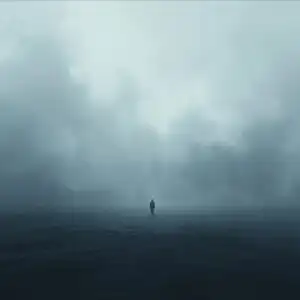

This 4K wallpaper is the best choice for testing your OLED professional display resolution. Compared to others, our high-performance tool provides a premium look for any high-end smartphone or desktop setup.




"Personalize this wallpaper or upload your own image to create the perfect mobile background 👇"
Customize Closed Gate in Foggy Morning for Mobile Wallpapers
iPhone • Samsung • Xiaomi • Google Pixel • Android • Huawei • (Others)
720×1600 • 1080×1920 • 1080×2340 • 1080×2400 • 1284×2778 • 1440×3088Please use Portrait Mode for a better experience (Optional)
Overview – Closed Gate in Foggy Morning
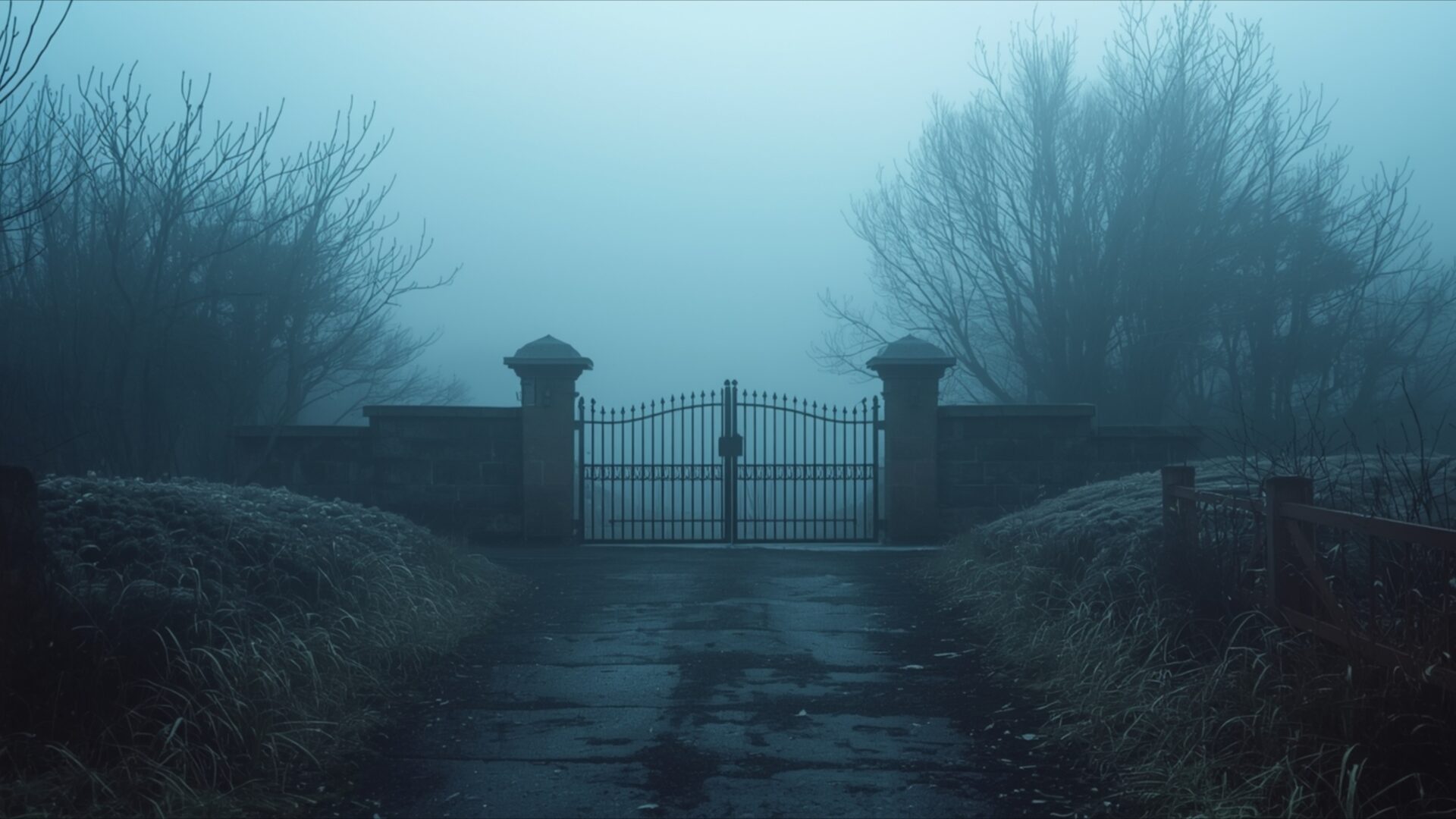
Closed Gate in Foggy Morning captures a poignant scene, an evocative visual theme that speaks to themes of heartbreak. The image presents a weathered, closed gate, flanked by stone pillars, disappearing into a thick, ethereal fog. The color palette is dominated by cool blues and muted grays, creating a somber and introspective atmosphere. Light filters softly through the mist, obscuring details and lending a sense of mystery to the scene. The wet, reflective path leading to the gate suggests recent rain, adding to the damp, chilly feeling. Bare, silhouetted branches of trees frame the composition, their stark forms enhancing the feeling of isolation.
The artistic style leans towards a moody, almost melancholic realism, drawing the viewer into a quiet, contemplative space. The composition is balanced, with the gate serving as the central focal point, drawing the eye down the path and into the obscured distance. This visual narrative evokes a sense of being at a threshold, a point of transition or perhaps a barrier to something lost or unattainable. The overall mood is one of quiet solitude, a moment suspended in time where the world feels hushed and introspective. This 4k wallpaper is perfect for anyone seeking a desktop background that resonates with a reflective and emotional tone.
The image invites contemplation, its subdued tones and atmospheric perspective creating a powerful emotional resonance. It’s a scene that feels both familiar and distant, a quiet path leading to an unknown beyond. The subtle textures of the stone pillars and the wet asphalt are rendered with clarity, even as the fog softens the edges of the wider landscape. This visual theme offers a unique perspective on solitude and the quiet beauty found in moments of introspection. You can download this wallpaper for your PC wallpaper.
The detailed rendering of the gate and its immediate surroundings, contrasted with the soft diffusion of the fog, creates a compelling visual depth. This 3840×2160 resolution image is a testament to the power of atmospheric conditions in shaping mood and narrative. For those looking to enhance their digital space with a piece that carries emotional weight and visual sophistication, this offering is ideal. You can get it now. We also offer this image in 4K, 2K, and Full HD versions. Closed Gate in Foggy Morning is ready for your download.
Wallpaper license: CC BY-NC-ND 4.0 · Credit: HDPeek.com
Remove Black Bars | Fit to Any Screen Size | CSS Fixer & Minifier | Compress Image Online | Image Converter Online | What Is My Screen Resolution? | Wallpaper Upscaler Online
Explore Categories
💡 How to Install Wallpaper on Different Devices
Windows PC:
Right-click on the wallpaper image. Select "Set as desktop background" or "Set as wallpaper". Adjust the fit (Fill, Fit, Stretch, Tile, Center) in Settings > Personalization > Background.Mac:
Right-click on the wallpaper image. Select "Set Desktop Picture". Alternatively, go to System Preferences > Desktop & Screen Saver and choose your image.iPhone / iPad (iOS):
Open the wallpaper image in Photos. Tap the Share button and select "Use as Wallpaper". Move and scale the image, then tap "Set" > Choose "Set Lock Screen", "Set Home Screen", or "Set Both".Android:
Open the wallpaper image in your Gallery app. Tap the Menu or Options button, then select "Set as wallpaper". Choose Home screen, Lock screen, or Both. Adjust the crop if needed and confirm.Linux (Ubuntu / others):
Right-click on the wallpaper image. Select "Set as Desktop Background" or "Set as Wallpaper". Adjust settings if your desktop environment allows multiple monitors.
Tips:
- For best quality, download the image in the resolution that matches your screen.
- Use 16:9 for widescreens, 1:1 for square displays.
- On mobile devices, choose "Set Both" for a consistent look on Home and Lock screens.
